Grub2Win Complete Guide for Beginners and Advanced Users
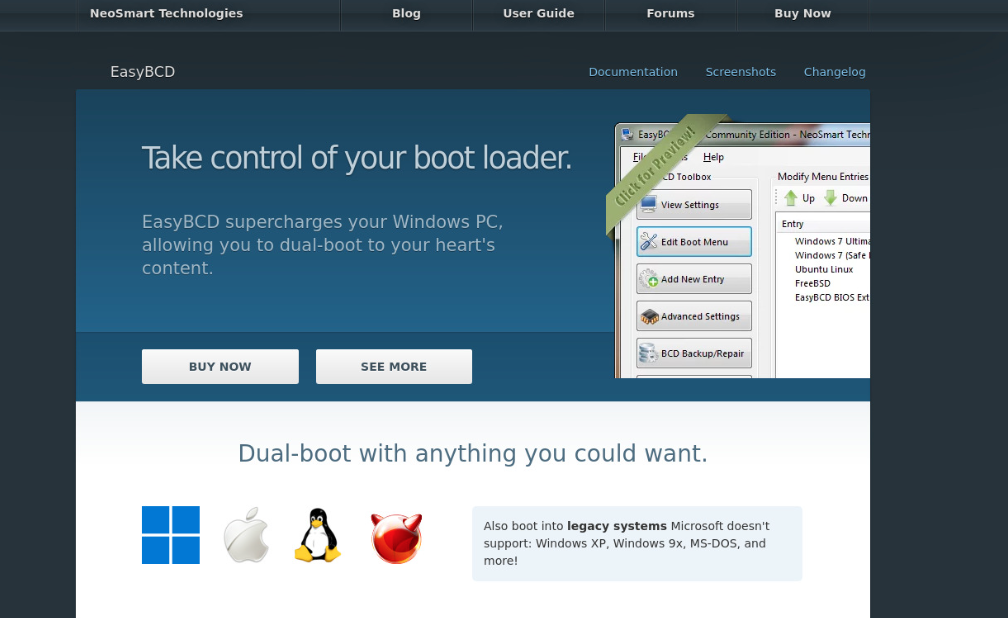
Grub2Win is a powerful and flexible boot manager designed for Windows users who want to run multiple operating systems on a single computer. It allows you to easily switch between different systems such as Windows, Linux, or even older operating systems without complicated setup processes. Whether you are a beginner exploring dual booting or an advanced user managing multiple environments, Grub2Win provides a reliable and user-friendly solution.
What is Grub2Win and How Does It Work
Grub2Win is based on the GRUB (Grand Unified Bootloader) system, which is widely used in Linux environments. However, it is specially adapted to work within Windows. It installs directly on your Windows system and gives you a graphical interface to manage boot entries.
When your computer starts, Grub2Win loads first and displays a menu. From this menu, you can choose which operating system to launch. It reads configuration files and allows customization, making it easy to manage multiple systems without editing complex code manually.
Key Features of Grub2Win
Grub2Win comes with many useful features that make it stand out from other boot managers. One of its main advantages is its graphical interface, which removes the need for command-line knowledge. Users can add, edit, or remove boot entries with just a few clicks.
Another important feature is its compatibility. It supports BIOS and UEFI firmware systems, making it suitable for modern and older computers. It also supports secure boot, which is essential for maintaining system security.
Grub2Win allows customization of themes, screen resolution, and boot timeout. This means users can personalize their boot menu according to their preferences. It also supports booting from ISO files, which is helpful for testing operating systems without installing them.
Benefits of Using Grub2Win
Using Grub2Win offers several benefits for users who want flexibility and control over their system. It simplifies the dual boot setup process, especially for users who are not familiar with Linux tools.
It provides a safe environment for testing different operating systems. You can install multiple systems and switch between them without affecting your main Windows installation. This is especially useful for developers and IT professionals.
Another major benefit is its ease of use. Unlike traditional bootloaders that require manual configuration, Grub2Win provides a visual interface. This reduces the risk of errors and saves time.
How to Install Grub2Win on Windows
Installing Grub2Win is a straightforward process. First, download the installer from a trusted source. Once downloaded, run the setup file and follow the on-screen instructions.
During installation, the software will configure the necessary files and create a boot entry. After installation is complete, you can open the program and start adding operating systems.
It is important to ensure that your system meets the requirements, such as having administrative privileges and sufficient disk space. Once installed, you should restart your computer to see the boot menu in action.
Setting Up Dual Boot with Grub2Win
Setting up dual boot using Grub2Win is simple compared to traditional methods. First, install your secondary operating system, such as a Linux distribution, on a separate partition.
After installation, open Grub2Win and add a new boot entry. Select the type of operating system and provide the necessary details such as partition location.
Once the setup is complete, save the configuration and restart your computer. You will now see both operating systems in the boot menu, allowing you to choose which one to run.
Customizing the Grub2Win Boot Menu
Customization is one of the strongest features of Grub2Win. Users can change the appearance of the boot menu by selecting different themes and backgrounds.
You can also adjust the timeout settings, which determine how long the menu is displayed before the default operating system loads. This is useful for users who want faster boot times.
Advanced users can edit configuration files to add more complex options. However, the graphical interface makes most tasks easy without needing advanced knowledge.
Troubleshooting Common Grub2Win Issues
Like any software, Grub2Win may sometimes encounter issues. One common problem is the boot menu not appearing. This can usually be fixed by reinstalling the bootloader or checking BIOS/UEFI settings.
Another issue may involve incorrect boot entries. If an operating system does not load properly, you can edit or remove the entry from the interface.
It is also important to keep backups of your configuration files. This ensures that you can restore your settings if something goes wrong.
Is Grub2Win Safe to Use
Grub2Win is generally safe to use when downloaded from a trusted source. It does not modify critical Windows files in a harmful way. Instead, it works alongside the system to manage boot options.
However, users should always be careful when making changes to boot settings. Incorrect configurations can prevent systems from loading properly. It is recommended to follow instructions carefully and create backups when necessary.
Who Should Use Grub2Win
Grub2Win is ideal for a wide range of users. Beginners who want an easy way to set up dual boot will find it very helpful. Its simple interface removes the complexity usually associated with bootloaders.
Developers and testers can use it to run multiple environments on a single machine. This allows them to test software across different platforms without needing multiple devices.
Advanced users can take advantage of its customization options to create a highly personalized boot experience.
Conclusion
Grub2Win is a powerful and easy-to-use boot manager that brings flexibility and control to Windows users. It simplifies the process of managing multiple operating systems and provides a user-friendly interface for customization.
Whether you are setting up a dual boot system for the first time or managing multiple environments for professional use, Grub2Win offers a reliable solution. With its wide range of features and compatibility, it is an excellent choice for anyone looking to enhance their system’s boot management capabilities.