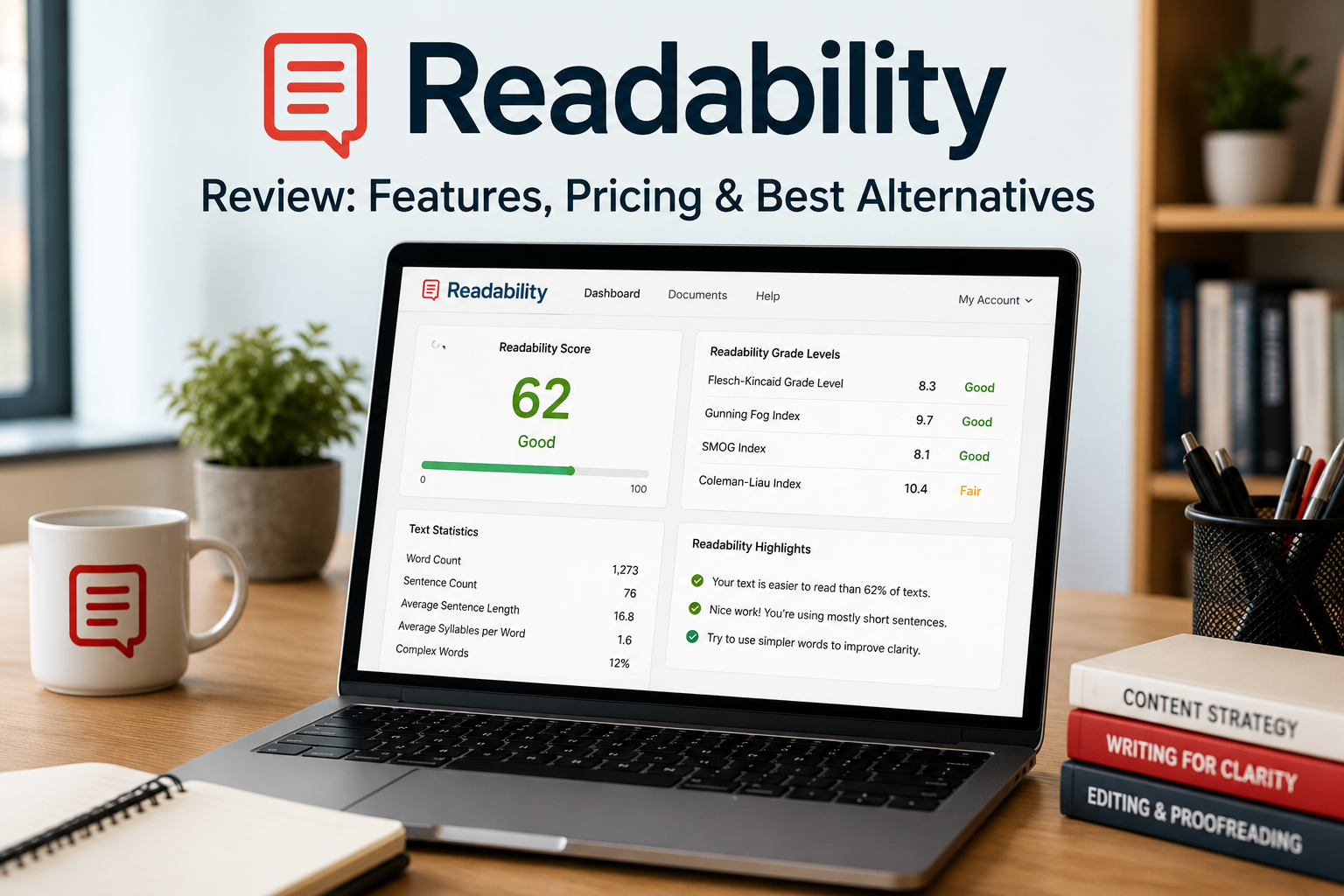
Creating clear, engaging, and easy-to-read content is essential for bloggers, marketers, educators, and businesses. Readability analysis tools help writers improve sentence structure, grammar, readability scores, and overall content quality before publishing. In this Readability.com Review: Features, Pricing & Best Alternatives, we’ll examine what the platform offers, its pricing, advantages, disadvantages, and the top alternatives available today.
What Is Readability.com?
Readability.com (also known as Readable) is an online readability analysis platform designed to help users write clearer, more effective content. It analyzes text using multiple readability formulas while also checking grammar, spelling, tone, keyword density, sentiment, passive voice, and other writing metrics.
The platform can analyze pasted text, websites, Word documents, PDFs, emails, spreadsheets, and even entire websites through automated scanning.
Key Features
Readability.com includes a wide range of writing and content optimization tools.
1. Readability Scores
The platform calculates numerous readability formulas, including:
- Flesch Reading Ease
- Flesch-Kincaid Grade Level
- Gunning Fog Index
- Coleman-Liau Index
- SMOG
- Automated Readability Index
It also provides its own proprietary readability grading system to simplify interpretation.
2. Grammar and Spelling Checks
The software identifies:
- Grammar mistakes
- Spelling errors
- Passive voice
- Long sentences
- Difficult words
- Clichés
- Buzzwords
- Adverbs
- Hedge words
These suggestions help improve clarity and reader engagement.
3. Tone and Sentiment Analysis
Users can evaluate:
- Writing tone
- Sentiment
- Formality
- Personalization
- Keyword density
These insights help writers better match content to their intended audience.
4. Website Analysis
One of the platform’s standout features is its ability to crawl and analyze entire websites. It reviews readability, grammar, keyword density, tone, and writing quality across multiple pages while highlighting areas for improvement.
5. File and URL Support
Readability.com can analyze:
- Word documents
- PDF files
- Markdown files
- URLs
- Emails
- Website sitemaps
- Bulk spreadsheet uploads
This makes it useful for both individual writers and larger content teams.
Pricing
Readability.com offers several subscription plans with a free trial.
Current plans include:
- ContentPro – starting around $12/month (annual billing)
- CommercePro – starting around $24/month
- AgencyPro – starting around $69/month
Plans vary based on the number of users, websites, and advanced features included. Pricing may change over time, so it’s best to check the official website before subscribing.
Pros
Some of the biggest advantages include:
- Multiple readability formulas
- Website-wide content auditing
- Grammar and spelling suggestions
- Tone and sentiment analysis
- Keyword density tracking
- Bulk content analysis
- API integration
- Easy-to-use interface
Cons
Potential drawbacks include:
- Premium features require a paid subscription.
- Advanced tools may be unnecessary for casual writers.
- It focuses on readability and writing quality rather than full SEO optimization.
- It is not a replacement for human editing or fact-checking.
Best Alternatives
If you’re considering other readability tools, here are some excellent alternatives:
Hemingway Editor
A popular tool for simplifying writing by highlighting long sentences, passive voice, and complex wording.
Grammarly
Offers grammar checking, spelling correction, style suggestions, and AI-powered writing assistance.
ProWritingAid
Provides detailed writing reports, grammar analysis, readability insights, and style improvements.
Yoast SEO
Ideal for WordPress users who want readability analysis combined with on-page SEO recommendations.
LanguageTool
An affordable grammar and style checker that supports multiple languages and integrates with various writing platforms.
Who Should Use Readability.com?
Readability.com is well suited for:
- Bloggers
- SEO professionals
- Content marketers
- Copywriters
- Authors
- Educators
- Agencies
- Businesses managing large content libraries
It is especially useful for anyone who wants to improve content clarity and readability before publishing.
Conclusion
This Readability.com Review: Features, Pricing & Best Alternatives shows that the platform is a powerful readability and writing analysis tool. With comprehensive readability scoring, website auditing, grammar checks, tone analysis, and bulk content support, it serves both individuals and professional content teams. While premium plans may not suit every budget, its extensive feature set makes it a strong option for writers focused on producing clear, engaging, and reader-friendly content.
Frequently Asked Questions (FAQs)
1. What is Readability.com?
Readability.com, also known as Readable, is an online writing analysis platform that helps improve the clarity, readability, grammar, and overall quality of written content. It is widely used by bloggers, marketers, educators, agencies, and businesses.
2. Is Readability.com free to use?
Readability.com offers a free trial that allows users to explore its features before purchasing a subscription. Full access to advanced tools, website analysis, and premium reports requires a paid plan.
3. What readability formulas does Readability.com support?
The platform analyzes text using several well-known readability formulas, including:
- Flesch Reading Ease
- Flesch-Kincaid Grade Level
- Gunning Fog Index
- Coleman-Liau Index
- SMOG Index
- Automated Readability Index
These scores help writers understand how easy their content is to read.
4. Can Readability.com analyze an entire website?
Yes. One of Readability.com’s standout features is its ability to crawl and analyze an entire website, providing reports on readability, grammar, keyword usage, tone, and writing quality across multiple pages.
5. Does Readability.com check grammar?
Yes. In addition to readability scoring, the platform identifies grammar mistakes, spelling errors, passive voice, overly long sentences, difficult words, clichés, and other writing issues.
6. Is Readability.com good for SEO?
Readability.com can support SEO by helping create clear and user-friendly content, which improves the reading experience. However, it is not a complete SEO tool and does not replace dedicated SEO platforms for keyword research, technical SEO, or backlink analysis.
7. What file formats does Readability.com support?
Readability.com can analyze a variety of content formats, including:
- Word documents
- PDF files
- Markdown files
- Website URLs
- Emails
- Website sitemaps
- Spreadsheet uploads for bulk analysis
8. What are the best alternatives to Readability.com?
Popular alternatives include:
- Hemingway Editor
- Grammarly
- ProWritingAid
- Yoast SEO
- LanguageTool
Each offers different strengths, depending on whether your priority is readability, grammar, style, or SEO.
9. Who should use Readability.com?
Readability.com is suitable for bloggers, copywriters, content marketers, SEO professionals, educators, agencies, authors, and businesses that want to improve the readability and quality of their written content.
10. Why are people searching for Readability.com Review: Features, Pricing & Best Alternatives?
People search for Readability.com Review: Features, Pricing & Best Alternatives to understand the platform’s capabilities, compare pricing plans, explore its readability and grammar tools, and determine whether it is the right choice compared with competing writing and content optimization software.
